
Google Workspace & Microsoft 365 setup, handled with precision.
We help your business move to Google Workspace or Microsoft 365, from initial setup to email migration, domain configuration, and consolidation, with minimal disruption to your day-to-day operations.

Choose exactly what your team needs.
Compare the options below, or book a free consultation and we'll help you decide.
- Domain verification, MX and DNS records (DMARC / DKIM / SPF)
- Up to 3 accounts set up
- Includes 1 free data migration up to 10GB
- Migrating all Google Workspace assets: email, Drive, Calendar, and related data
- Full GWS / MS365 account setup
- Invitation sent to each user
- Password setup/reset assistance
- Ongoing onboarding support
- Cost-effective email forwarding (e.g. name@yourdomain.com → name@gmail.com)
- No dedicated inbox — forwarded to an existing account
- Replies sent from the connected GWS / MS365 account, not stored in your company's system
Looking for more ways to grow your business? Explore Custom Apps & Cybersecurity and Newsletter Management & Email Marketing.
What's involved in your setup.
The work behind every Google Workspace and Microsoft 365 setup.
Account Creation
Setting up your business profile and administrator account.
Domain Connection
Connecting your existing business domain and preparing its DNS settings.
Domain Verification
Verifying ownership of your domain with your provider.
DNS Security Records
Configuring the DNS records that route and secure your email.
User & Mailbox Setup
Creating mailboxes and aliases for your team, plus shared inboxes and groups where needed.
Data Migration
Moving email, calendars, and files from your old host or provider.
Security & Admin
Setting up administrator roles and security controls for your team.
Testing & Handoff
Testing mail flow end to end and walking your team through everything.
Every business is different, so we shape the setup around your team.
Get custom email @yourcompany
Look more professional with personalized email addresses at your domain, plus aliases like sales@ and support@ that route into your primary inbox.
View pricing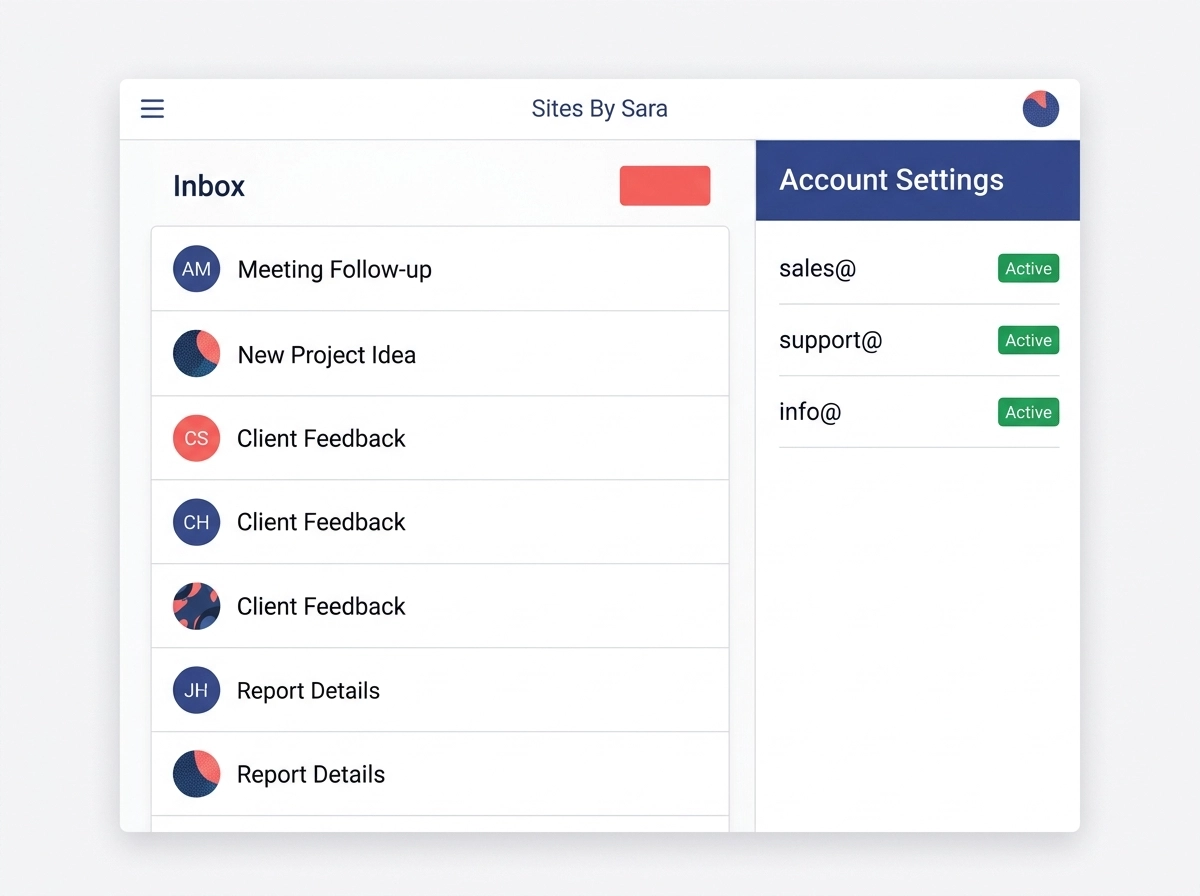
Move your email and keep your history.
We move your email, calendars, and files from your existing host or provider into your new Google Workspace or Microsoft 365 setup.
View pricing
Easily scale up or down.
As your team grows, we can add new email accounts and aliases so every team member has a professional address.
View pricing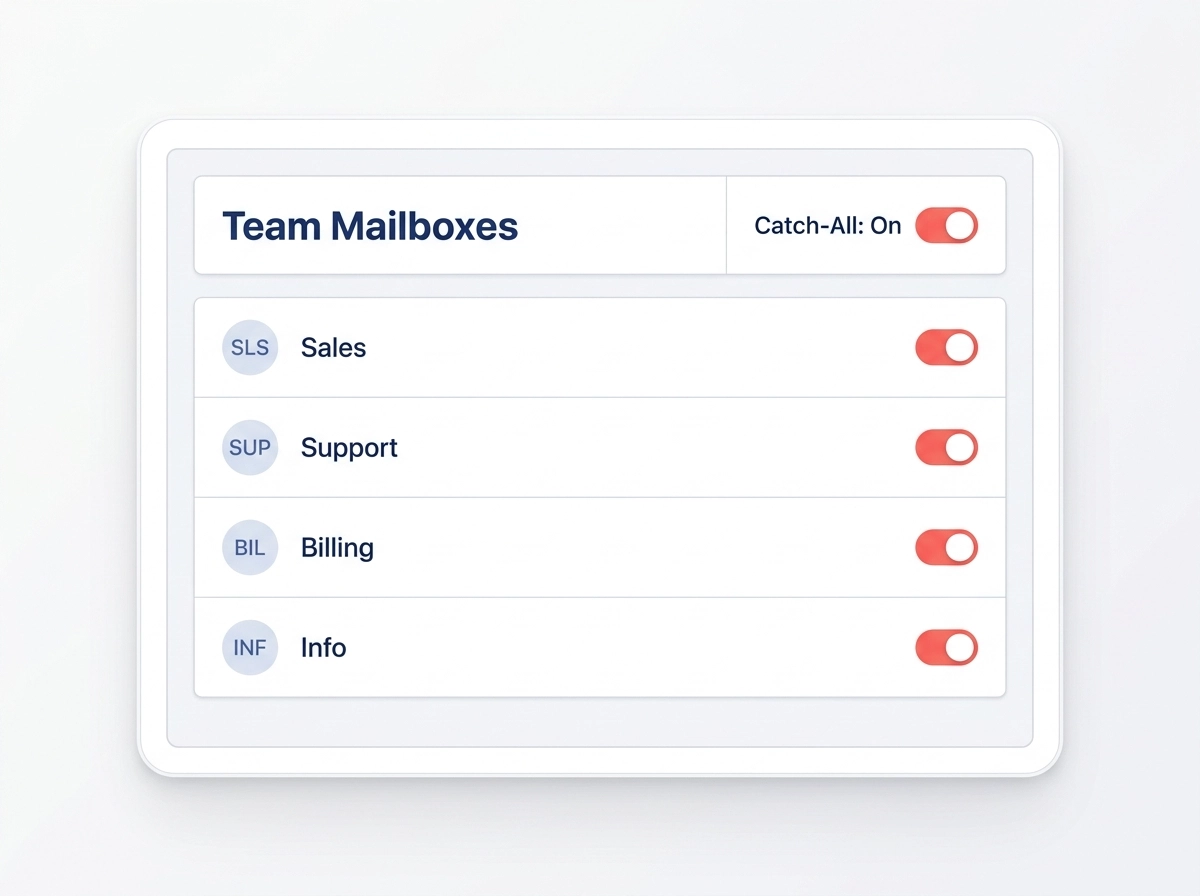
Frequently Asked Questions
Quick answers about Google Workspace and Microsoft 365 setup.
